- DATE:
- AUTHOR:
- The Transmit Security team

Expand Identity Capabilities and Simplify Platform Management Across Mosaic
This month's release introduces enhancements that make it easier to build, manage, and secure identity experiences across Mosaic. From Platform SDK 2.5.0 and a redesigned application management experience to new Integration Hub connectors and expanded fraud analytics, we're helping organizations modernize identity journeys while simplifying day-to-day operations.
Highlights
 Simplify Application and Client Setup with a Redesigned Management Experience
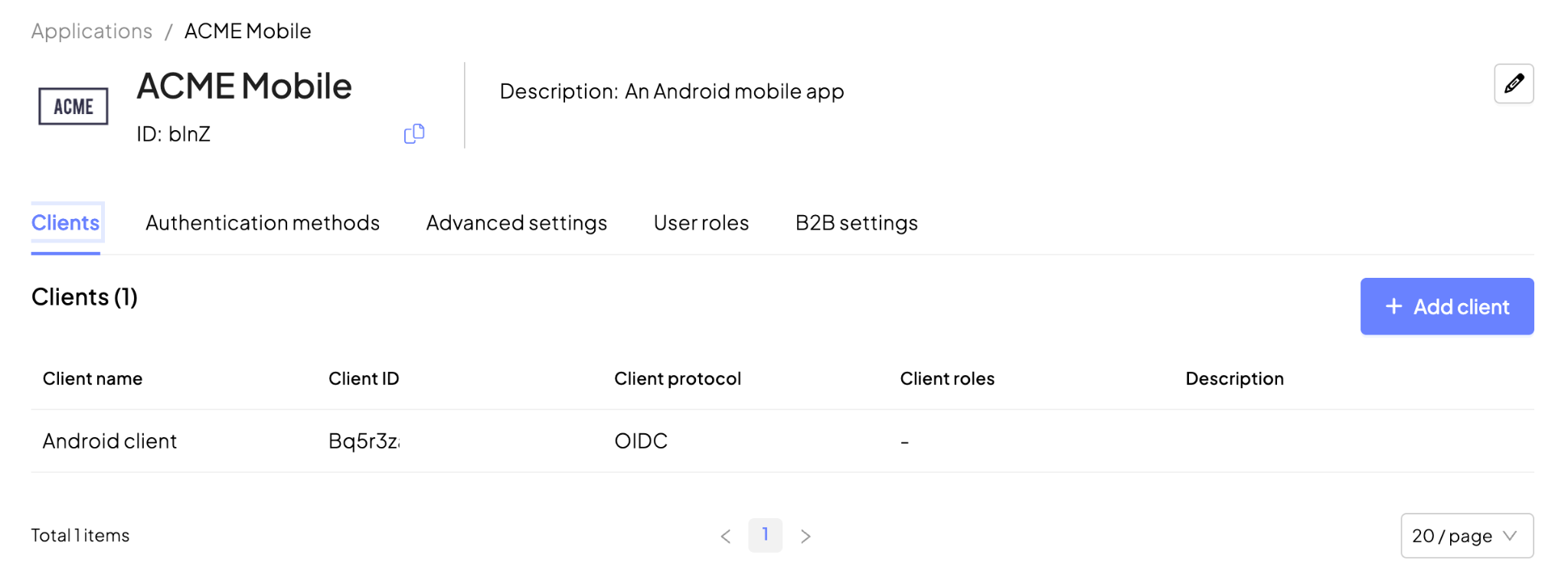
The Application page and Client creation experience have been redesigned to simplify configuration and better reflect real-world use cases. Applications can now be created with a streamlined setup flow, while client creation is guided by use case rather than authentication protocol, reducing complexity and unnecessary configuration. The redesigned Application page also organizes settings into dedicated tabs for clients, authentication methods, advanced settings, user roles, and B2B configuration, making applications easier to configure and manage throughout their lifecycle.
* General availability
Customer Identity Management
 Enable Cross-Device Face Authentication Without a Mobile App
Face Authentication supports seamless cross-device experiences, allowing users to start authentication on a desktop browser and complete a secure selfie verification on their personal mobile device by scanning a QR code—without installing a mobile app. Built directly into Mosaic journeys, this capability automatically returns users to their original desktop session after verification, eliminating the need for custom session management. The browser-based flow includes guided selfie capture, liveness detection, and high-accuracy face matching, making it ideal for authenticating contractors, partners, candidates, and other external users.
* Available in sandbox
 Track Recent Device Activity for Authenticators
Authentication flows provide richer device usage insights by recording the last authentication attempt and last successful authentication for each device, while maintaining a list of the most recent devices used with each authenticator. This information is available through the Get Authenticators API, helping organizations improve device visibility and build richer authentication experiences.
* Available in sandbox
Fraud Prevention
 New Search Actions API Simplifies Fraud Prevention Investigations
A new Search Actions API makes it easy to retrieve Fraud Prevention recommendations directly into your organization's case management and investigation tools. Search recommendations by user, action, device, device fingerprint, device public key, or IP address, with optional date filtering, and retrieve the same recommendation details and fraud labels available in the Mosaic Investigations view. This enables seamless integration with existing investigation workflows while providing analysts with richer context for fraud analysis.
* General availability
 Capture Richer Fraud Intelligence with Enhanced Fraud Labels
Fraud analysts can capture more detailed context when labeling confirmed fraud events in the Admin Portal or through the Send Label API. New optional fields for Sub-category and Attack Method make it possible to distinguish how fraud occurred—for example, identifying an account takeover as Phishing → Voice Phishing (Vishing) or Malware → Keylogger. Additional fraud use cases, including New Account Fraud and Credential Stuffing, along with new fraud sources, provide even greater flexibility for classifying incidents.
* General availability
 New Fraud Prevention Plugin for Flutter Apps
The first release of the Fraud Prevention Flutter plugin is available, bringing full native Detection and Response capabilities to Flutter applications on iOS and Android. The plugin includes complete native SDK API coverage, behavioral telemetry, and interaction tracking, making it easy for developers to integrate Fraud Prevention into cross-platform mobile apps with a single codebase.
* General availability
 Integrate Fraud Prevention into Cordova Apps
Developers can now integrate Fraud Prevention into Cordova applications running on iOS and Android using the new Cordova plugin. Available as v1.0.0 on GitHub, it delivers native capabilities while preserving a single cross-platform codebase.
* General availability
Cross-Platform Enhancements
 Platform SDK 2.5.0 Brings Enhancements Across Mosaic
The Platform SDK 2.5.0 introduces new capabilities and improvements across Identity Orchestration, Identity Verification, and Fraud Prevention.
Identity Orchestration: Control feature availability based on the Orchestration SDK version, making it easier to manage compatibility across deployments.
Fraud Prevention: Strengthen security with replay protection for secured session tokens, expand device intelligence to support agentic AI recognition, and introduce a new
keyScopeoption for more flexible crypto-binding key management.
* General availability
 Investigate Security Insights More Efficiently with a Redesigned Workspace
The Security Insights experience has been redesigned to help security teams triage, investigate, and manage insights more efficiently. A new detail side panel provides deeper visibility into each insight, while severity-based prioritization helps teams focus on the most critical issues first. The update also introduces searchable insight IDs, a complete audit trail for status changes, and role-based access controls to strengthen governance and operational visibility.
* Available in sandbox
 Customize Your Timezone Preference
Portal users can now select their preferred timezone from their profile menu. The selected timezone is applied consistently across date and time fields throughout the Mosaic platform, providing a more personalized and consistent experience.
* General availability
Integration Hub
 Use Prove Identity to Add Phone-Based Identity Verification
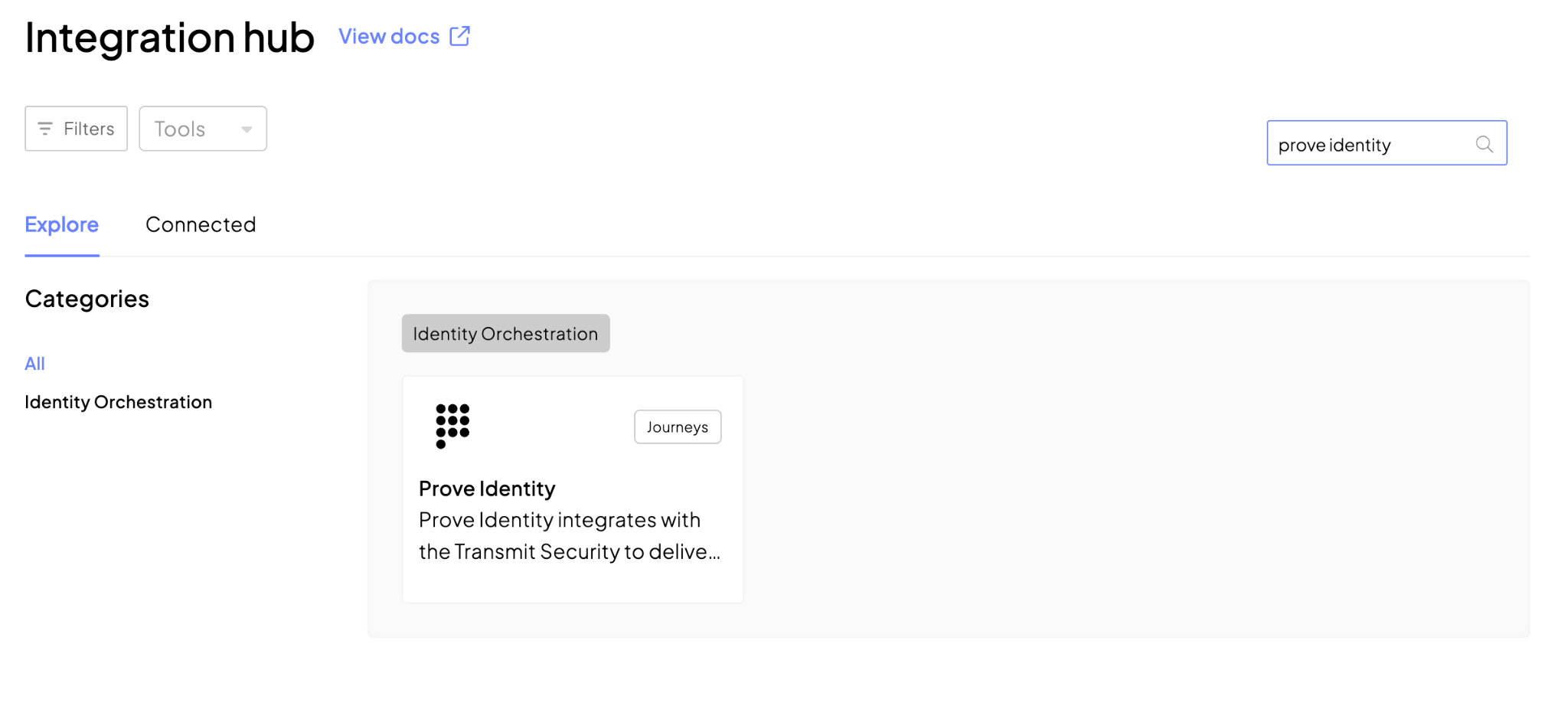
Prove Identity is now available in the Integration Hub, enabling phone-based fraud risk assessment and identity verification within Mosaic journeys. New orchestration steps let you evaluate the trustworthiness of a phone number using Prove Trust Score and verify a user's identity by matching submitted personal information against authoritative records linked to that phone number. Together, these capabilities help strengthen onboarding, authentication, and fraud prevention workflows with real-time phone intelligence.
* General availability
Replace SMS OTP Through Glide Silent Phone Verification
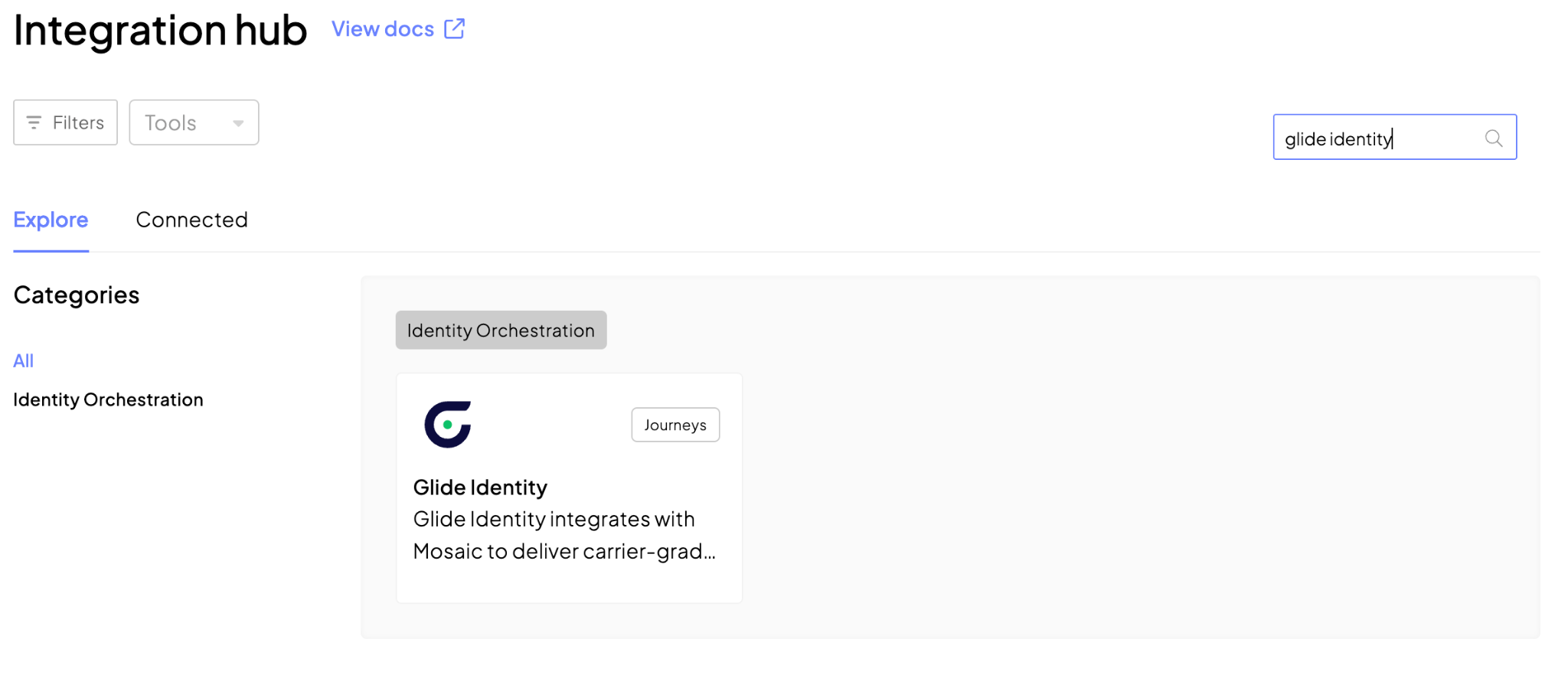
The new Glide Identity integration brings carrier-grade silent phone verification to Mosaic journeys. The Glide Phone Verification step confirms that users possess the SIM associated with their phone number without sending an SMS code, while also returning real-time SIM swap and device change risk signals. This provides a stronger alternative to SMS OTP for registration, login, step-up authentication, and account recovery flows.
* Available in sandbox
 Validate and Standardize Addresses with Google Maps
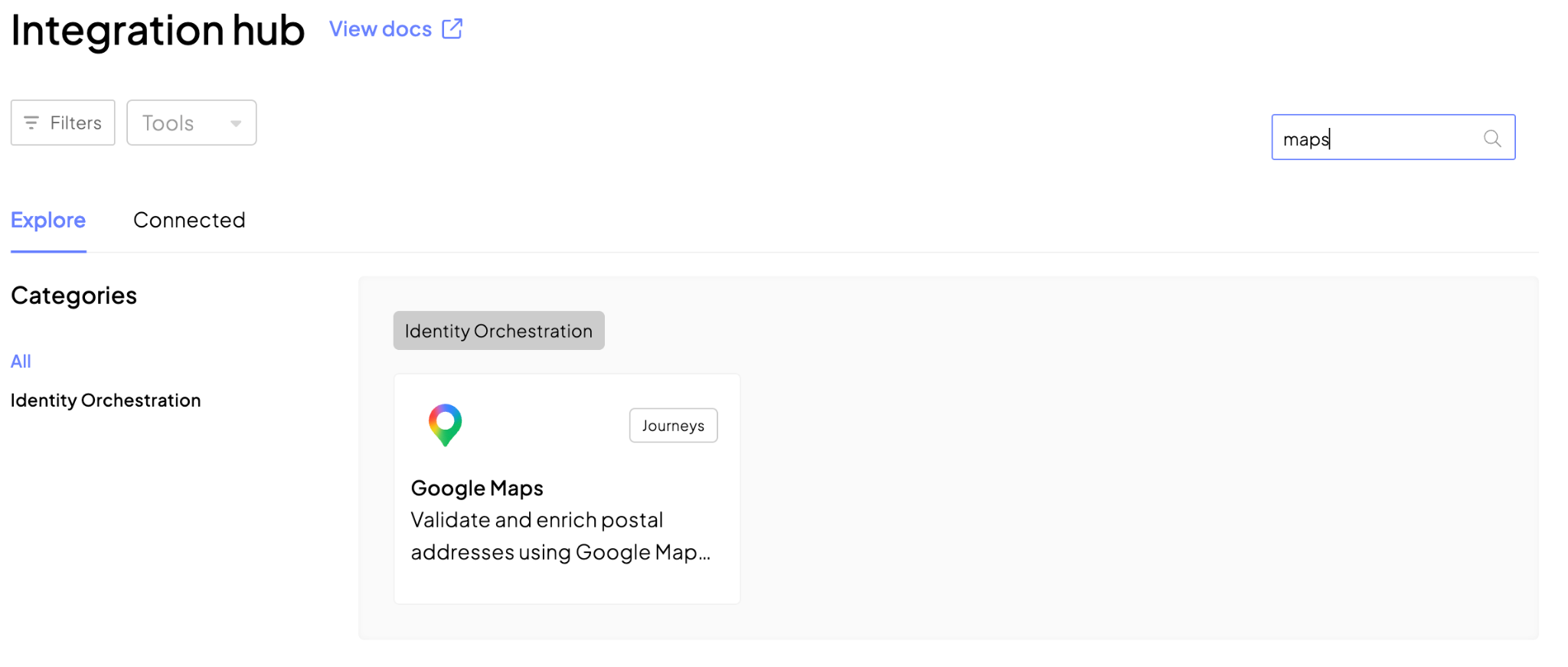
The Integration Hub also includes Google Maps Platform, making it easy to validate and standardize postal addresses within Mosaic journeys. The new Google Maps Address Validation step verifies user-provided addresses and returns standardized address data, validation results, and geocode information to improve data quality and support more accurate identity, onboarding, and fraud prevention workflows.
* Available in sandbox
Spark Updates
 Expanded Spark Analytics with Richer Transaction Data
Analytics in Spark now support an expanded set of transaction attributes, providing deeper visibility into transaction activity and fraud patterns. Organizations can analyze additional data points such as transaction type and method, channel identifiers, payer and payee details, billing and shipping information, purchase product data, and AVS verification results for more comprehensive investigation and reporting.
* Available in sandbox